 MASKED
The Bitcoin wallet with a private side.
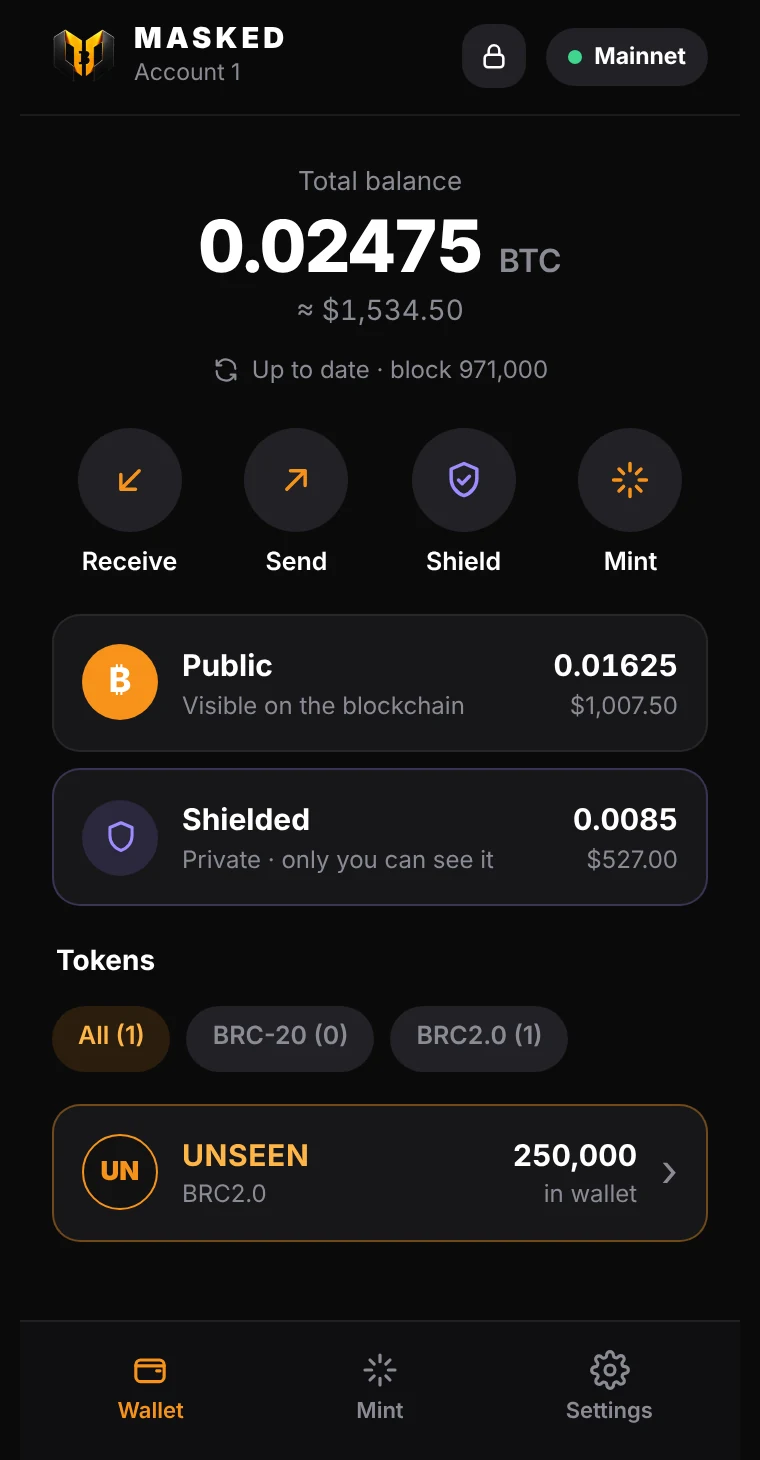
MASKED keeps two balances. Public works like any Bitcoin address, for inscriptions and marketplaces. Shielded uses silent payments: people pay one address, and nothing on the blockchain ties those payments to you.
Free on the Chrome Web Store, for Chrome, Brave and Edge on desktop. Or install manually.What anyone can see on the blockchain
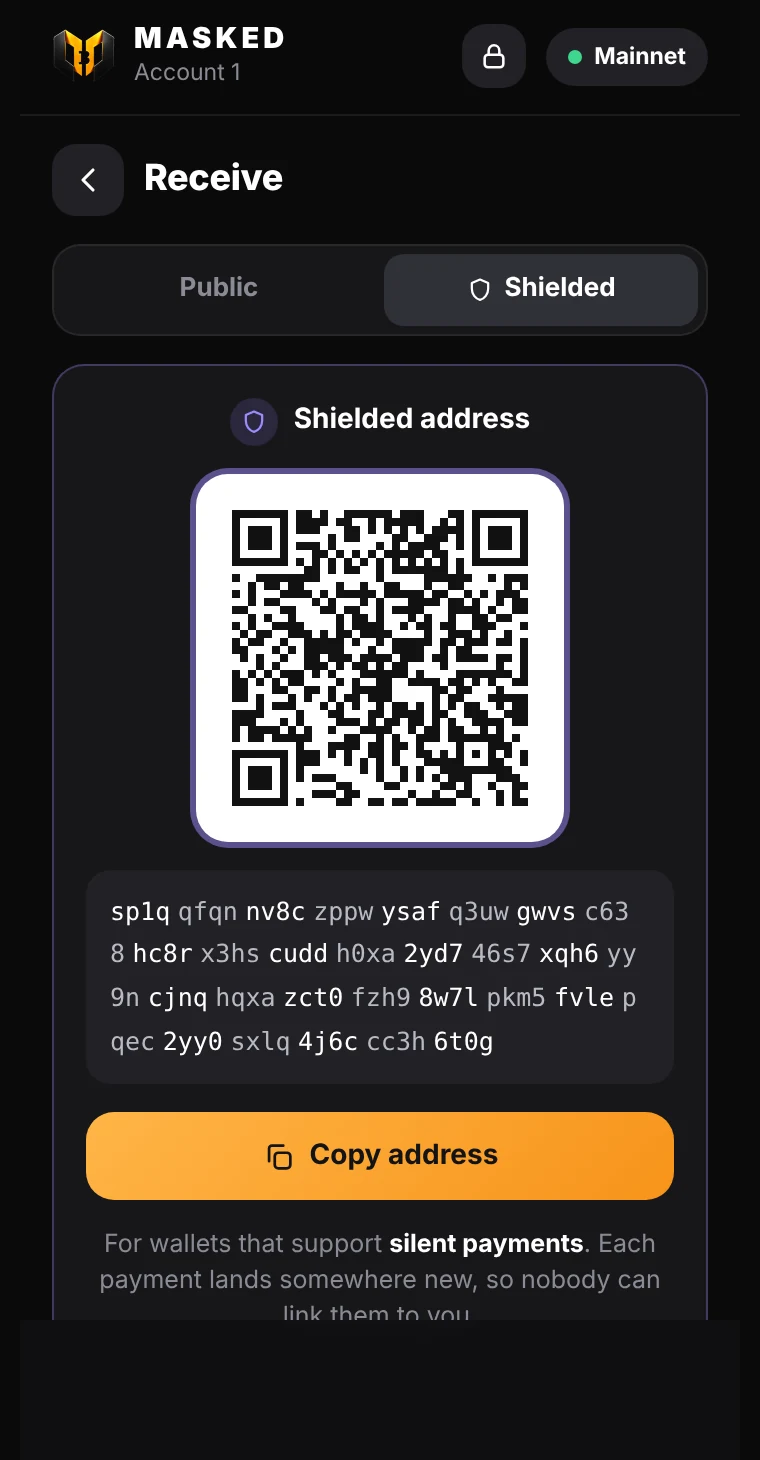
Three friends pay you. With a normal address, all three payments sit on the same address, so anyone can add up what you received. With your Shielded address, each payment lands on a new address that only your wallet recognises.
Public address
One address, three payments. Anyone can link them and total them up.
Shielded address
Three different addresses. Nothing links them to each other or to you.
Everything in one small window
MASKED opens from your toolbar or stays beside your tabs in the side panel.
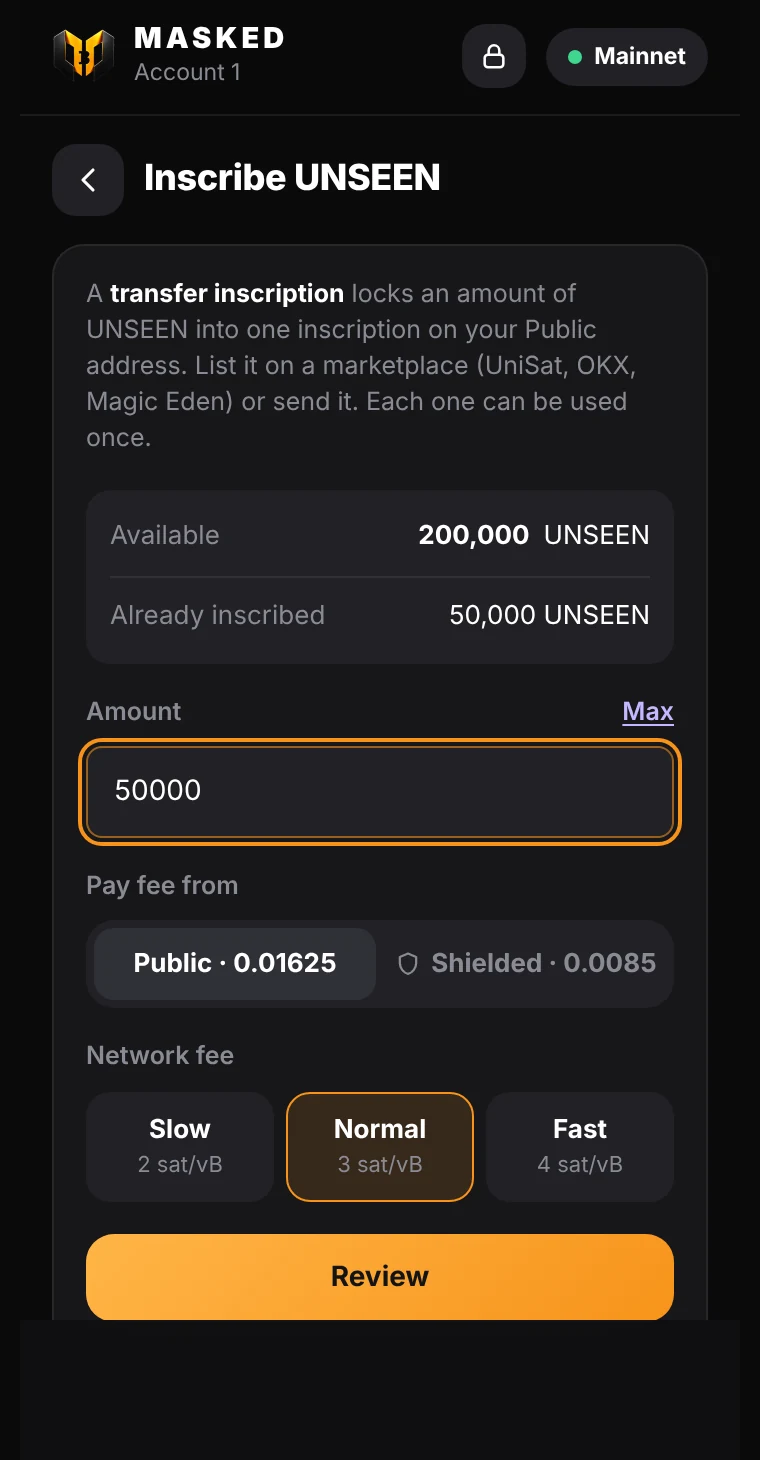
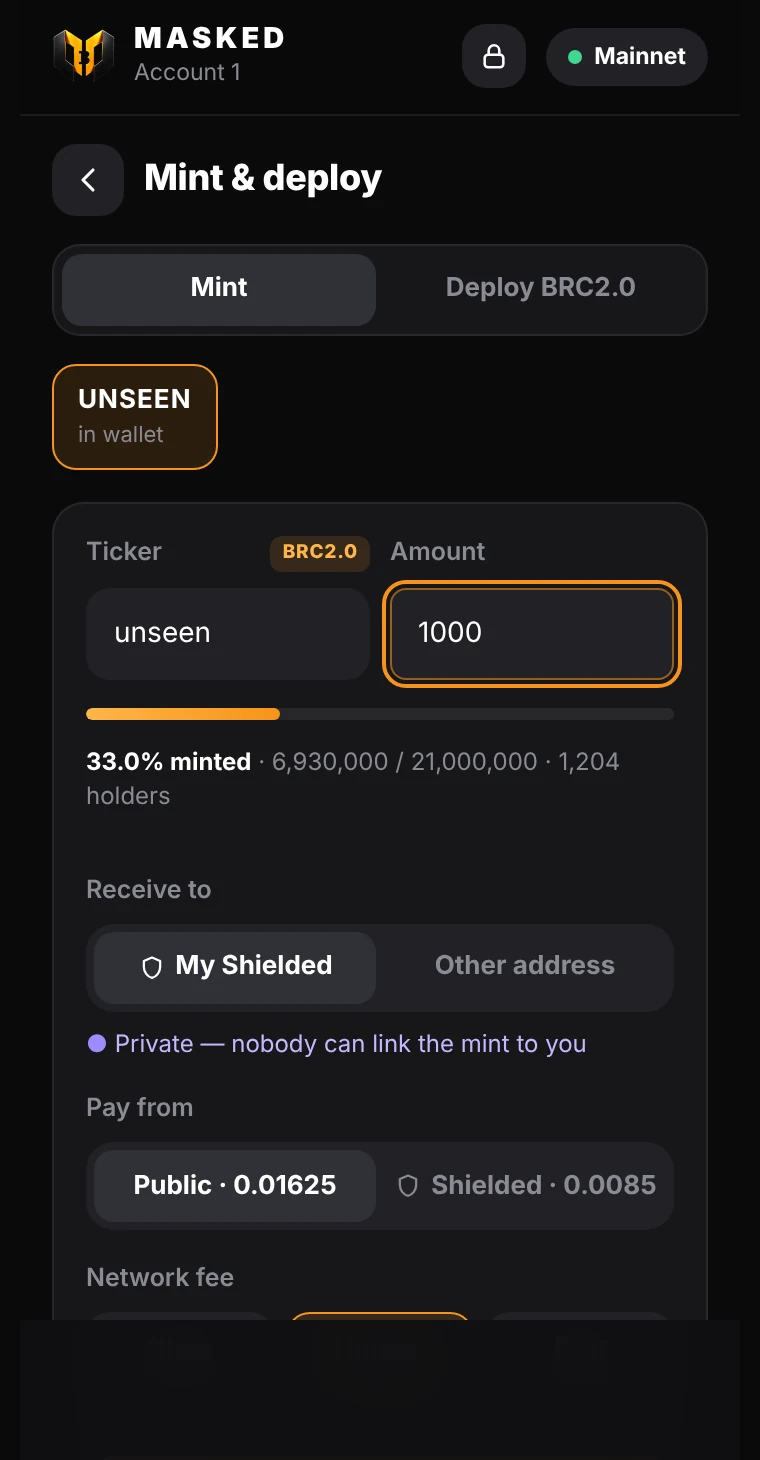
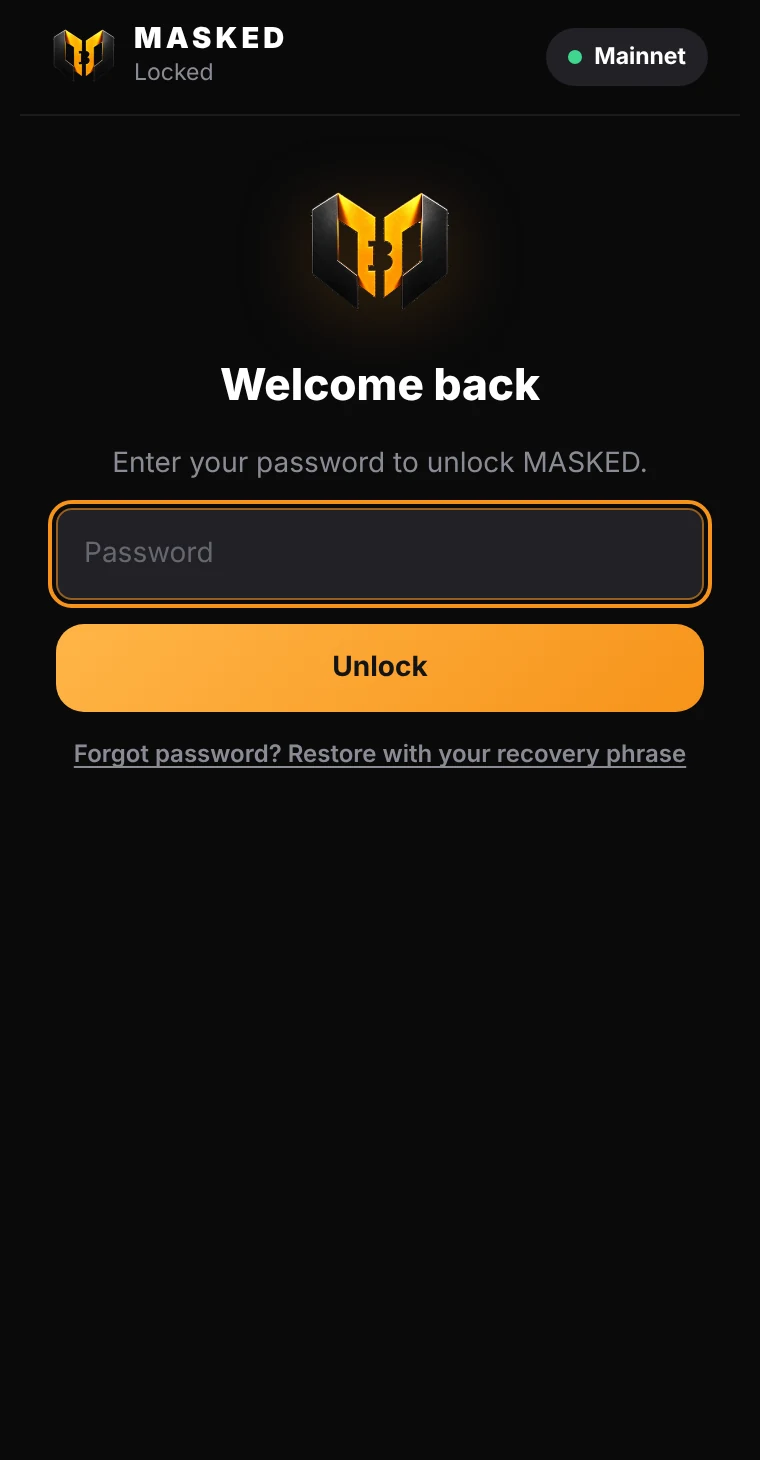
Built for Bitcoin tokens
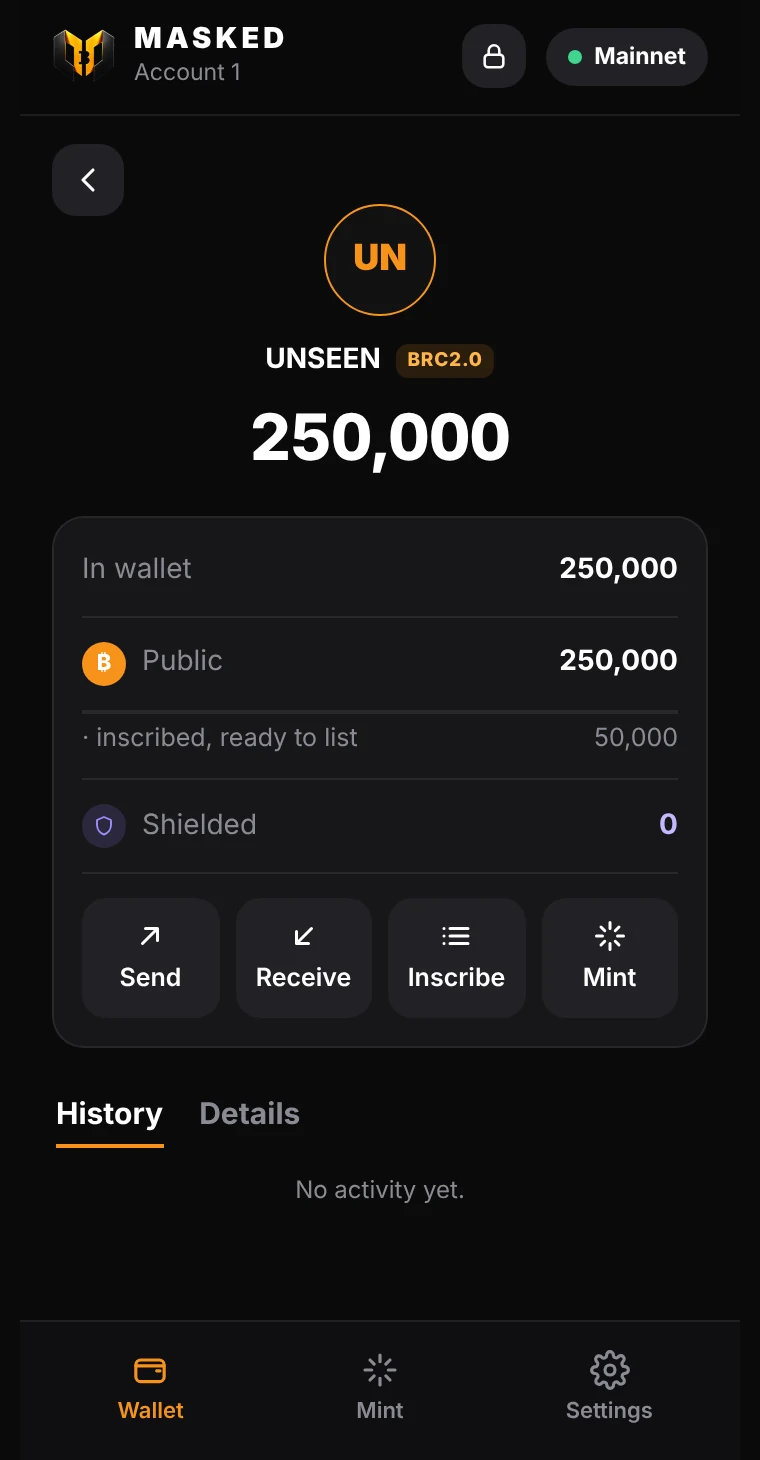
BRC-20 and BRC2.0
Every token on your address shows up with its history by day, including ones you bought elsewhere.
Deploy your own
Reserve a BRC2.0 ticker, then deploy it. Choose open minting, or a self-mint token only you can mint.
Inscriptions stay safe
Coins carrying inscriptions or runes are detected and never spent by accident when you pay fees.
Works with Bitcoin apps
Sites connect through window.masked, which follows the UniSat API. You approve every signature.
Restore any wallet
Bring a 12 or 24-word phrase from UniSat or another wallet. Passphrases are supported.
Fast private scanning
MASKED's scan server sends public block data, and your wallet checks it locally. Your scan key never leaves your device.
UNSEEN
Claim UNSEEN, the MASKED token
Pay a small amount of BTC from MASKED and your UNSEEN arrives at your Shielded address. You need the wallet installed first.
Install in a minute
- Add MASKEDInstall it on Chrome, Brave or Edge from the install page.
- Create or restoreMake a new wallet or bring your phrase, and set a password.
- ReceiveShare your Shielded address, or use Public for inscriptions and marketplaces.